
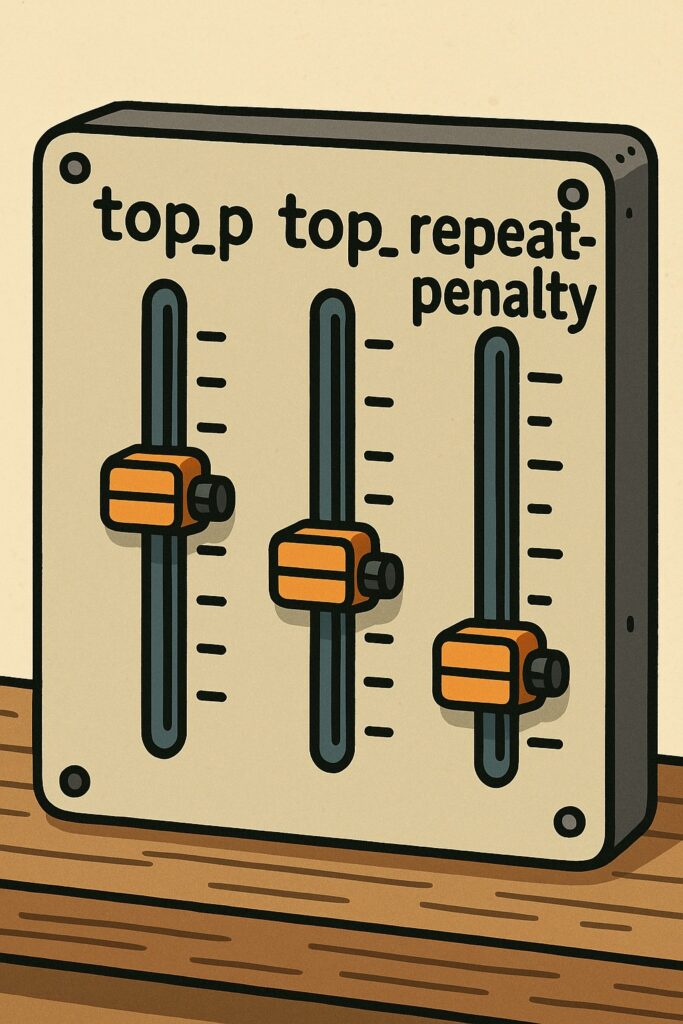
When using LM Studio for coding tasks, your choice of model matters—but how you configure it matters just as much. Settings like top_p, top_k, and repeat_penalty control how the model generates text, balancing creativity, accuracy, and stability.
If you’ve ever had your model repeat the same line endlessly or wander off into nonsense, these parameters are the knobs you need to understand. Let’s break them down.
🎯 What is top_k?
Think of top_k as a shortlist filter.
When predicting the next token, the model assigns probabilities to thousands of options. With top_k, you tell it: “Only consider the top K most likely choices.”
top_k = 20→ very focused, only 20 options at each step.top_k = 100→ broader, more variation.top_k = -1→ no limit, model can consider everything.
👉 Best for coding: Keep top_k between 20–50 for stable and accurate outputs.
🎯 What is top_p?
If top_k is about how many tokens are considered, top_p is about how much probability mass is included. This is also called nucleus sampling.
top_p = 0.9→ include the smallest set of tokens that add up to 90% probability.top_p = 0.8→ tighter filter, more deterministic.top_p = 1.0→ no filter, full probability distribution.
👉 Best for coding: Set top_p to 0.85–0.9. This gives predictability while leaving room for variable names, comments, and small variations.
🎯 What is repeat_penalty?
Ever had a model spam the same line, like print(print(print(...)))? That’s where repeat_penalty saves the day.
repeat_penalty = 1.0→ no penalty, repetition allowed.repeat_penalty = 1.05→ mild discouragement.repeat_penalty = 1.2→ strong discouragement.
👉 Best for coding: Start at 1.05. Increase if you see repeated loops, but avoid going too high—it can make the model forget useful patterns.
⚙️ Recommended Config for Coding in LM Studio
Here’s a balanced setup you can drop straight into your model config:
{
  "temperature": 0.2,
  "top_k": 40,
  "top_p": 0.9,
  "repeat_penalty": 1.05,
  "max_tokens": 2048,
  "seed": -1
}- Low temperature (0.2): Keeps code logical and consistent.
- Balanced sampling (
top_k = 40,top_p = 0.9): Prevents nonsense without being too rigid. - Mild repeat penalty (1.05): Stops infinite loops.
- Seed = -1: Random by default; set a number (e.g.
1234) for reproducibility.
🖼️ How to Configure Parameters in LM Studio
Here’s a quick diagram of the process:
 ┌───────────────────────────────┐
 │        LM Studio UI           │
 └───────────────────────────────┘
              │
              ▼
 ┌───────────────────────────────┐
 │   Model Config JSON            │
 │                                │
 │ {                              │
 │   "temperature": 0.2,          │
 │   "top_k": 40,                 │
 │   "top_p": 0.9,                │
 │   "repeat_penalty": 1.05,      │
 │   "max_tokens": 2048,          │
 │   "seed": -1                   │
 │ }                              │
 └───────────────────────────────┘
              │
              ▼
 ┌───────────────────────────────┐
 │        Model Behavior         │
 ├───────────────────────────────┤
 │ top_k → shortlist of tokens   │
 │ top_p → probability cutoff    │
 │ repeat_penalty → stop loops   │
 │ temperature → creativity      │
 └───────────────────────────────┘
✅ Key Takeaways
top_k= shortlist → keep it small for coding (20–50).top_p= probability cutoff → stick with \~0.9 for balance.repeat_penalty= anti-loop → 1.05 is your best friend.- Combine these with low temperature for clean, predictable code.
With just a few tweaks, LM Studio transforms from a “chatty AI” into a focused coding partner. Master these parameters once, and you’ll spend less time fixing messy outputs—and more time shipping great code.
Latest Posts
- Scoping an EV Charging Platform for a Large Property Owner: Two Driver Apps, a Prepaid Wallet and Three Levels of Trust October 20, 2026
- The Site Host Problem: Giving a Condo, Hotel or Restaurant Its Own Charger Dashboard Without Another Account to Manage October 17, 2026
- Which Product Should a Creator Promote? An Idea We Want to Test October 14, 2026
- Japan’s Active Cyber Defense Law Is Live: What Suppliers to Critical-Infrastructure Operators Should Have Ready in the First 30 Days October 13, 2026
- Find a Subaru Service Shop in Thailand: A Small Tool That Shows Where Each Detail Came From October 12, 2026
- simpliRange Is Live in Early Form: Try the EV Road-Trip Planner Built for Thai Roads and Tell Us Where It’s Wrong October 8, 2026